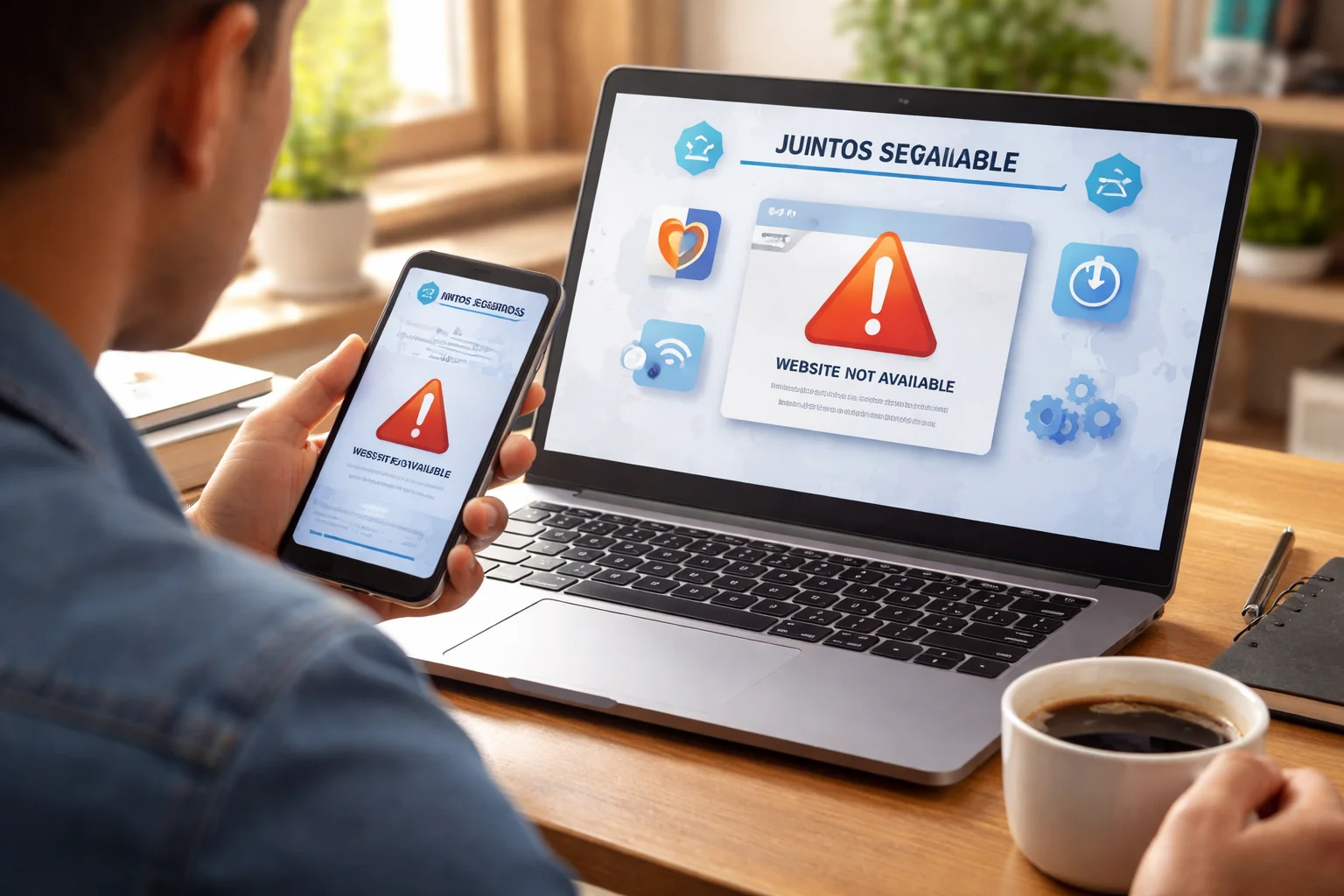
When you rely on an online platform for important updates, safety information, or community support, seeing it go offline can be stressful. If you’re trying to access Juntos Seguros and the website isn’t loading, you’re not alone—and in most cases, it’s a temporary issue.
This guide will walk you through why the site might be down, what you can do right now, and how to stay informed even if access is temporarily unavailable.
Is the Website Really Down or Just Not Working for You?
Before assuming the site is offline for everyone, it’s worth checking a few basics. Many access issues turn out to be local problems.
Check your internet connection first
Try opening another website you trust.
If nothing loads, the issue is likely your connection, not the platform.
Restart your router or switch to mobile data to test again.
Try a different browser or device
Sometimes a browser update, extension, or cache issue blocks a site from loading.
Open the site on:
- Another browser (Chrome, Safari, Firefox, etc.)
- Your phone if you were using a laptop (or vice versa)
If it works elsewhere, the problem is likely on your original device.
Clear cache and cookies
Old data can conflict with site updates.
Clear your browser cache and cookies, then reload the page.
This simple step fixes a surprising number of access problems.
Common Reasons the Juntos Seguros Website May Be Down
Not all outages mean something serious. Many are routine and short-lived.
Scheduled maintenance or updates
Platforms often go offline briefly to:
- Fix bugs
- Improve security
- Add new features
These updates usually last minutes or a few hours.
High traffic or server overload
During emergencies, alerts, or major news events, traffic can spike.
When too many people access the site at once, it may load slowly or not at all.
Temporary technical issues
Server errors, hosting problems, or software conflicts can cause short outages.
These are usually resolved quickly by the technical team.
What You Should Do If the Site Is Down Right Now
If you can’t access the website, here are practical steps you can take immediately.
Don’t panic—most outages are temporary
In most cases, the site returns within a short time.
Refresh after 10–15 minutes before trying again.
Check official social media channels
Many organizations post updates on:
- Twitter/X
If there’s a known outage, it’s often acknowledged there first.
Use alternative access points if available
Some features may still be accessible through:
- Mobile apps
- Community groups
- Partner organizations
If you normally use the website for alerts or updates, check if you’re subscribed to SMS or email notifications.
How to Stay Informed While the Website Is Unavailable
If you depend on the platform for safety updates or community information, it’s smart to have backups.
Enable notifications where possible
If you have the app installed, make sure:
- Notifications are turned on
- Your phone settings allow alerts
This ensures you still receive important messages.
Rely on trusted community sources
Local community groups, advocacy organizations, or support networks often share the same updates.
They can be a reliable bridge when the main site is unreachable.
Avoid unofficial or suspicious links
When a site is down, fake pages sometimes appear.
Only use links from trusted sources.
Never enter personal information on unfamiliar sites claiming to be replacements.
What Not to Do When the Site Is Down
It’s just as important to know what to avoid.
Don’t repeatedly refresh every few seconds
This won’t fix the issue and can make server overload worse.
Wait a few minutes between attempts.
Don’t assume the service is permanently closed
Short outages are common and rarely mean shutdown.
Give it time and look for official updates.
Don’t share unverified rumors
If you’re unsure why the site is down, avoid spreading speculation.
Stick to confirmed information from official channels.
When You Should Be Concerned
Most downtime is harmless, but there are situations where extra attention helps.
If the site is down for many hours or days
Extended outages may indicate:
- Major technical issues
- Security incidents
- Infrastructure changes
In this case, look for official statements or community announcements.
If you urgently need information or support
If you were trying to access critical help, don’t wait.
Reach out to:
- Local community organizations
- Support hotlines
- Trusted advocacy groups
Your safety and access to help come first.
FAQ
How long does the website usually stay down?
Most outages last from a few minutes to a few hours. Longer downtime is less common and usually explained through official updates.
Is my information at risk if the site is down?
Not necessarily. Downtime does not automatically mean a data breach. It often relates to maintenance or technical fixes.
Should I reinstall the app if the website isn’t working?
Only if the app is also malfunctioning. If the app works fine, there’s no need to reinstall.
Final Thoughts
If the Juntos Seguros website is down, it’s understandable to feel concerned—especially if you rely on it for important updates or community support. The good news is that most outages are temporary and get resolved quickly.
Check your connection, try alternate access points, and follow official channels for updates. If you need urgent help, don’t wait for the site to come back—use trusted community resources.
Staying calm, informed, and prepared is the best way to handle short disruptions like this.