If you’ve opened the Juntos Seguros map and felt unsure about what you’re seeing, you’re not alone. Many people want to use community alerts to stay informed and safe, but the icons, colors, and updates can be confusing at first.
This guide will help you understand what the map is showing, how to read alerts correctly, and how to use the information in a calm, practical way.
What the Community Alert Map Is and Why It Matters
The community alert map is designed to share safety-related reports in real time. It allows people in a community to see where activity has been reported so they can make informed decisions.
It is not a law enforcement tool and it is not an official government tracking system. It is a community-based awareness tool.
What the map is meant to do
The main purpose is simple: To help people avoid areas of concern and stay aware of what is happening nearby.
It can be useful for:
- Choosing safer routes when traveling
- Knowing when to stay home or delay plans
- Warning friends and family about possible activity
What the map is not meant to do
The map does not:
- Confirm arrests
- Identify individuals
- Guarantee that an alert is 100% accurate
It shows reports, not verified cases.
Understanding the Icons, Colors, and Markers
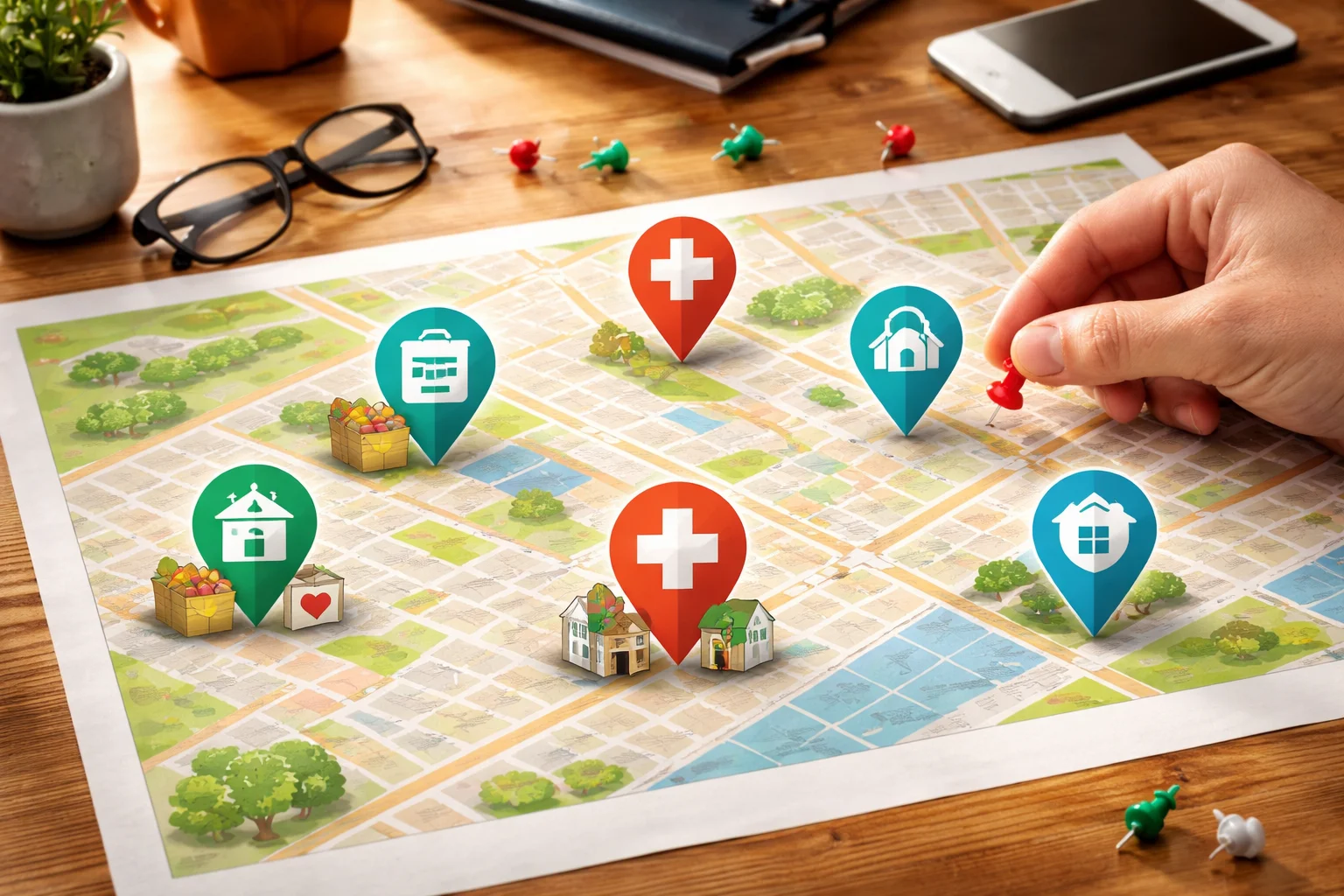
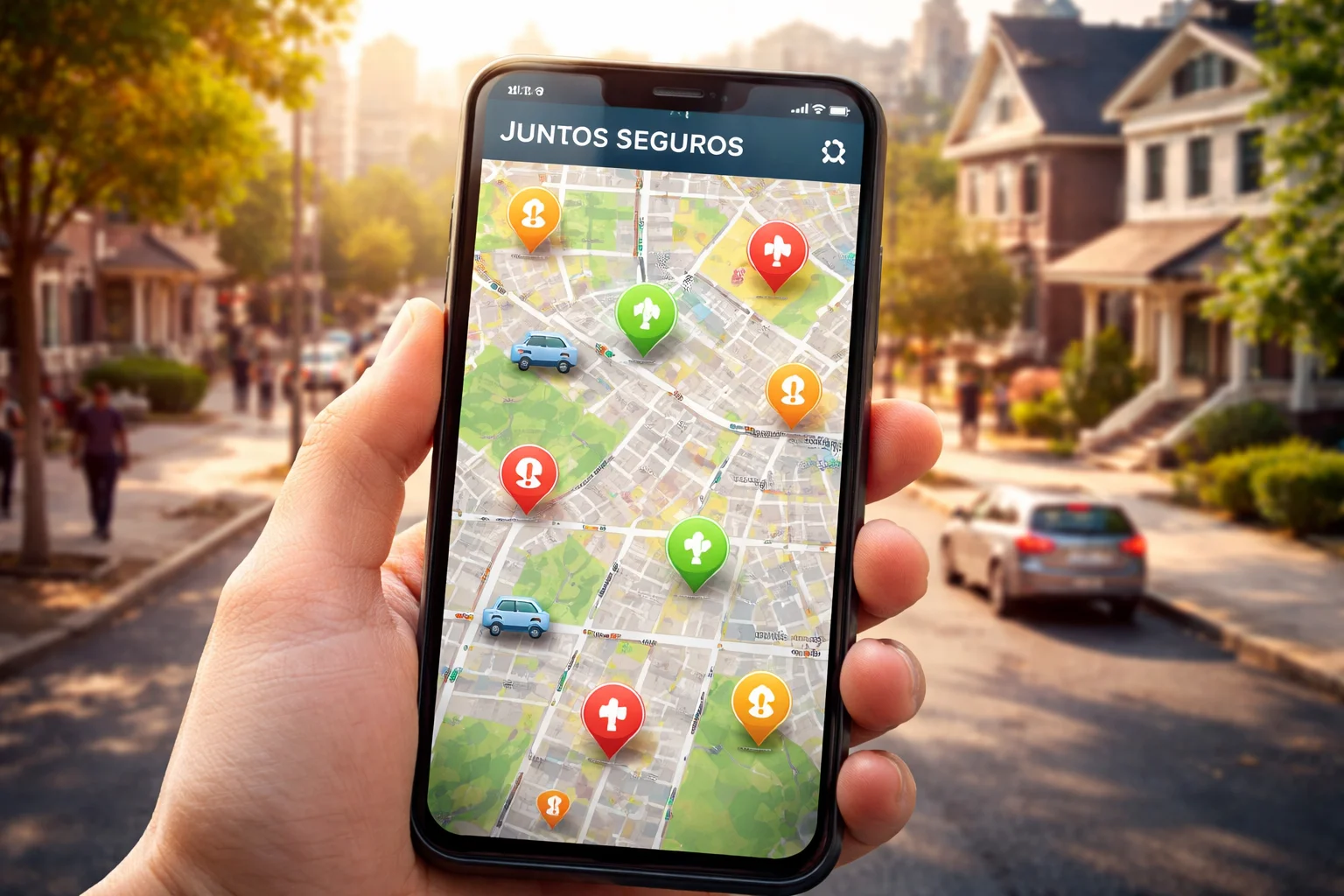
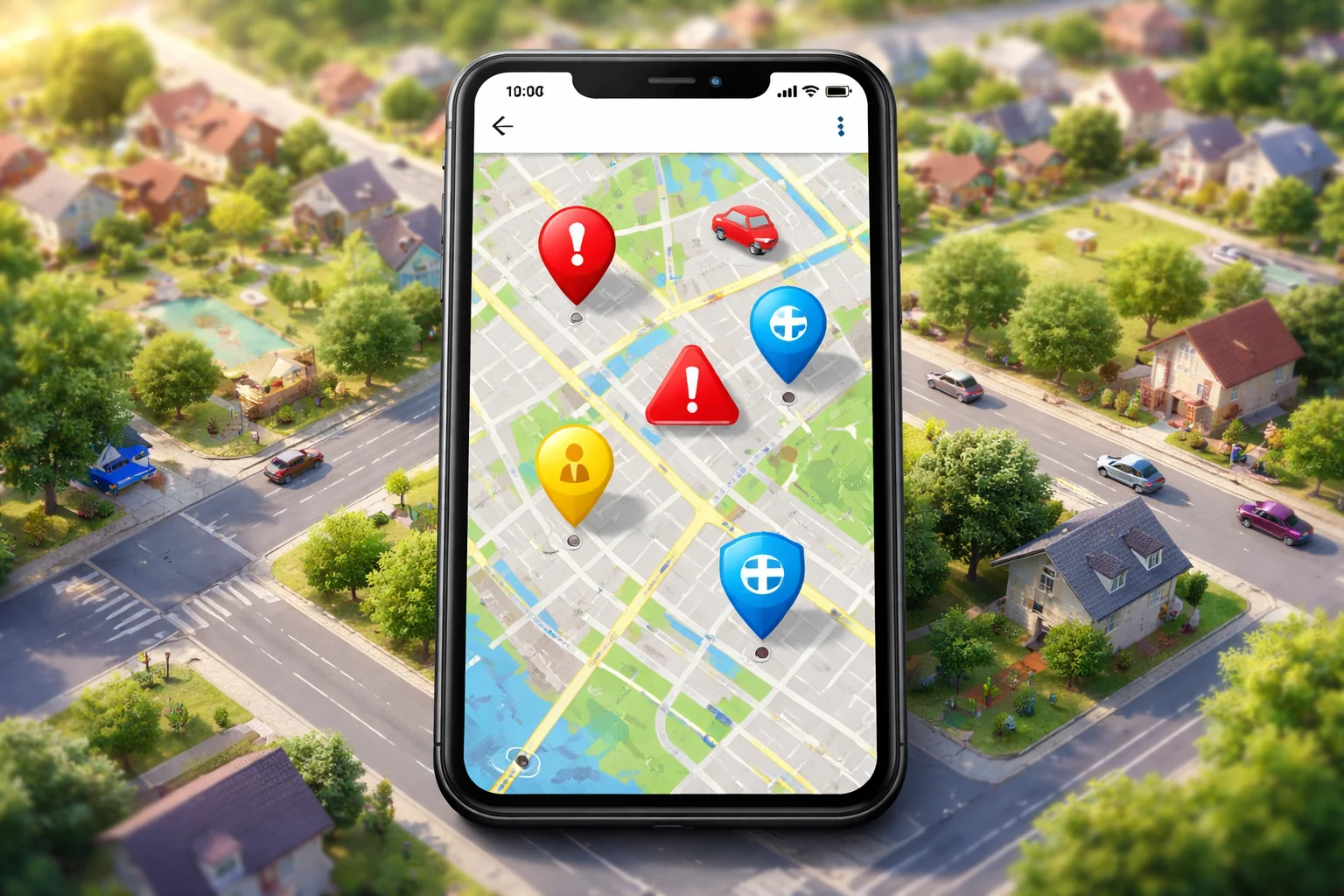
When you first look at the map, you will see different symbols and color markers. Each one represents a type of alert or report.
What the colors usually mean
While exact colors can change, they generally follow this pattern:
- Red – High concern or active report
- Yellow or Orange – Caution or unconfirmed activity
- Blue or Green – General information or community update
Always check the legend if it is available in the app or site. It explains what each color stands for.
What the icons represent
Icons may show:
- Vehicles
- People
- Warning symbols
- Location pins
These are visual shortcuts to tell you what kind of activity was reported.
How Alerts Are Created and Shared
One of the most important things to understand is where the information comes from.
Who submits the alerts
Most alerts are submitted by:
- Community members
- Local observers
- People who witness activity and choose to report it
This means alerts are based on what someone saw or believed they saw.
Why reports can be different from reality
Because these are community reports:
- Some may be delayed
- Some may be misunderstandings
- Some may be incomplete
That does not mean the system is useless. It just means you should read alerts with awareness, not panic.
How to Read an Alert the Right Way
The biggest mistake people make is reacting emotionally instead of reading carefully.
Look at the time and date first
Always check:
- When the alert was posted
- How recent it is
An alert from 2 hours ago may no longer be relevant.
Read the description, not just the headline
Many alerts include a short note. This might explain:
- What was seen
- Where exactly it happened
- Whether the person reporting felt threatened or just cautious
This context matters.
Check the location closely
Sometimes alerts are:
- Near your area, not in your area
- On a nearby street, not your block
Zoom in before making decisions.
Common Misunderstandings About the Map
A lot of fear comes from misunderstanding how the map works.
“An alert means someone is in danger right now”
Not always. It may mean someone noticed activity earlier and shared it.
“The map tracks specific people”
It does not. It shows locations of reports, not identities.
“If I see nothing on the map, I am completely safe”
The map is a tool, not a guarantee. No alerts does not mean no activity.
How to Use the Map in Daily Life
The best way to use the map is calmly and practically.
When planning travel
Before going out:
- Check your route
- See if there are any recent alerts
- Adjust if needed
This is especially helpful for work commutes or school runs.
When sharing with family
You can:
- Show alerts to family members
- Help elderly relatives understand what is happening
- Make plans together if needed
This builds awareness without creating panic.
When you see something yourself
If you witness something and feel it is important:
- Follow the reporting process correctly
- Be factual, not emotional
- Avoid guessing or exaggerating
Clear reports help everyone.
Privacy and Safety While Using the Map
Many people worry about being tracked or exposed.
Your identity is not public
In most cases:
- Reports are anonymous
- Your name is not shown
- Your personal details are not visible to others
Always check the privacy settings to be sure.
How to protect yourself
- Do not share personal information in comments
- Do not post exact home addresses
- Keep descriptions general and factual
Safety includes your own privacy too.
How Reliable Is the Information?
This is a fair and important question.
Why accuracy can vary
Because alerts are community-based:
- Some may be very accurate
- Some may be mistaken
- Some may be outdated
This is normal in any community reporting system.
How to judge credibility
Look for:
- Multiple reports in the same area
- Clear descriptions
- Recent timestamps
One alert alone should not cause panic. Patterns matter more.
When the Map Is Not Updating or Looks Empty
Sometimes users worry when they see no alerts or the map does not load.
Possible reasons
- Technical issues
- No recent reports
- App or website maintenance
An empty map does not mean the system is gone.
What you can do
- Refresh the page
- Check your internet connection
- Try again later
If the platform has support, you can contact them for help.
A Note on Trust and Responsibility
Tools like this only work when people use them responsibly.
If you choose to report:
- Be honest
- Be calm
- Be clear
False or exaggerated reports can create unnecessary fear.
When used properly, community alerts can genuinely help people feel more prepared and informed.
FAQ
Is the map always accurate?
No. It is based on community reports, so accuracy can vary. It should be used as guidance, not absolute truth.
Can I rely on the map instead of official news?
No. The map is a supplement, not a replacement for official sources or legal advice.
Do I need an account to view alerts?
This depends on the platform setup. Some features may require login, while basic viewing may be open.
Final Thoughts
The Juntos Seguros map is a community awareness tool, not a fear tool. When you understand how to read alerts, check times and locations, and use the information calmly, it becomes much more useful.
The goal is not to panic, but to stay informed, make smarter decisions, and look out for one another. With the right mindset, community alerts can be a quiet support system in your daily life.