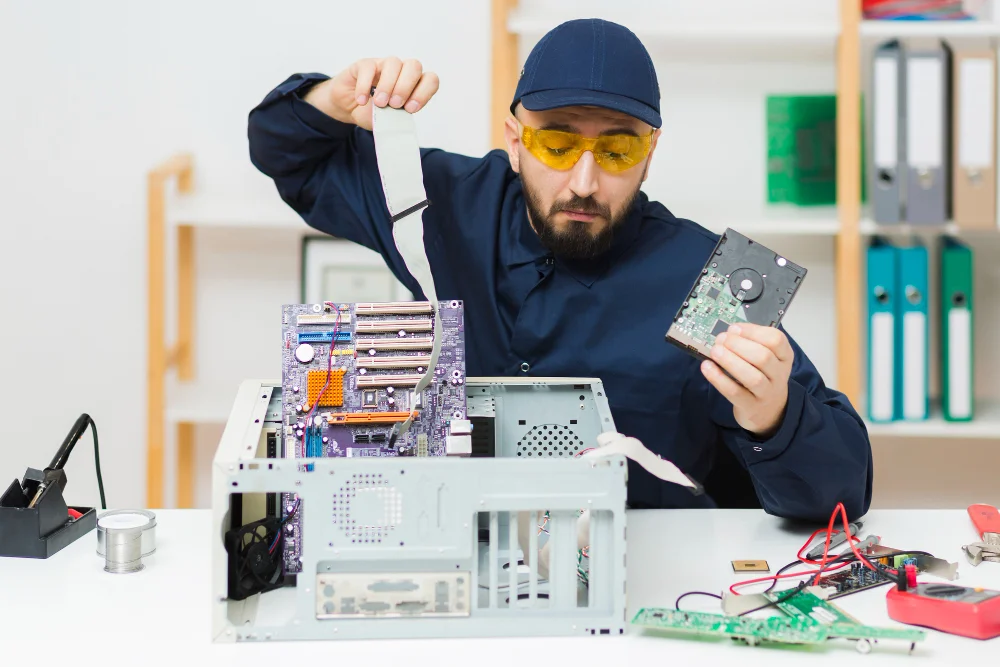
Experiencing a fatal device hardware error can be both frustrating and alarming. This critical issue often signifies that your computer or external hardware device is facing significant problems that need immediate attention. In this guide, we will explore the causes of a fatal device hardware error, provide step-by-step solutions to fix it, and offer preventive measures to avoid future occurrences. By understanding the underlying reasons and implementing effective solutions, you can safeguard your data and ensure the smooth functioning of your devices.
Introduction
A fatal device hardware error is an error that occurs when a computer or external device fails to communicate correctly due to hardware issues. This error can manifest as a system crash, an inability to access data, or a complete failure of the device. Addressing this error promptly is crucial to prevent data loss and further damage to your hardware.
See also Fake Juntos Seguros Websites – How to Identify Them
Understanding the Causes
Identifying the root cause of a fatal device hardware error is the first step in resolving it. Common causes include:
- Faulty Hardware Connections: Loose or damaged cables can disrupt the communication between devices.
- Outdated or Corrupted Drivers: Device drivers are essential for hardware communication with the operating system. Corruption or obsolescence can lead to errors.
- Physical Damage: Physical damage to the hard drive or external device can compromise its functionality.
- File System Errors: Corrupted file systems can prevent access to data and trigger hardware errors.
Diagnosing the Error
Diagnosing a fatal device hardware error involves using a combination of built-in Windows tools and third-party software:
Using Built-in Windows Tools
- Device Manager: Check for any device marked with a yellow exclamation point, indicating driver issues.
- Disk Check Utility: Use the CHKDSK command to scan and repair file system errors.
- Windows Event Viewer: Review logs for any hardware-related error messages or codes.
Third-Party Software Options
- Disk Diagnostic Tools: Tools like CrystalDiskInfo can provide detailed insights into the health of your hard drive.
- Drive Recovery Software: Programs such as Recuva can help recover data from a failing drive.
Solutions to Fix the Error
Once diagnosed, there are several solutions to address a fatal device hardware error:
Solution 1: Check Hardware Connections
- Ensure all cables are securely connected to the device and the computer.
- Inspect cables for any signs of wear or damage and replace if necessary.
Solution 2: Run Disk Check Utility
- Open Command Prompt as an administrator.
- Type
chkdsk /fand press Enter to scan and fix file system errors.
Solution 3: Update Device Drivers
- Open Device Manager and locate the problematic device.
- Right-click and select “Update Driver” to install the latest version.
Solution 4: Restore System Settings
- Access System Restore through the Control Panel.
- Choose a restore point before the error occurred and follow the prompts to revert changes.
Solution 5: Advanced Solutions for Experts
For advanced users, consider checking BIOS settings and performing a clean installation of the operating system if necessary. Ensure that your hardware is compatible with the current system configuration.
Preventive Measures
Preventing a fatal device hardware error involves regular maintenance and updates:
- Regular Software Updates: Keep your operating system and drivers up-to-date to avoid incompatibility issues.
- Routine Hardware Maintenance: Periodically check and clean hardware components to prevent physical damage.
- Data Backup: Regularly back up important data to an external storage device or cloud service to prevent data loss.
FAQs
What is a fatal device hardware error?
A fatal device hardware error indicates a critical issue with a computer or external device that affects its ability to function properly.
How can I prevent a fatal device hardware error?
Regularly update your system and drivers, maintain hardware cleanliness, and back up important data to mitigate risks.
Is a fatal device hardware error related to hardware failure?
Yes, it often signifies potential hardware failure or communication issues between the device and the computer.
Can I recover data after a fatal device hardware error?
Yes, using recovery software such as Recuva or consulting a data recovery professional can help retrieve lost data.
What should I do if the error persists after troubleshooting?
If the error persists, seek professional IT support to diagnose and address underlying hardware issues.
Conclusion
Addressing a fatal device hardware error promptly is essential to maintaining the integrity of your system and data. By understanding the causes, diagnosing the issue, and implementing effective solutions, you can resolve these errors and prevent future occurrences. Regular maintenance and proactive measures are key to ensuring the longevity and reliability of your devices. If you encounter persistent issues, do not hesitate to seek professional assistance.