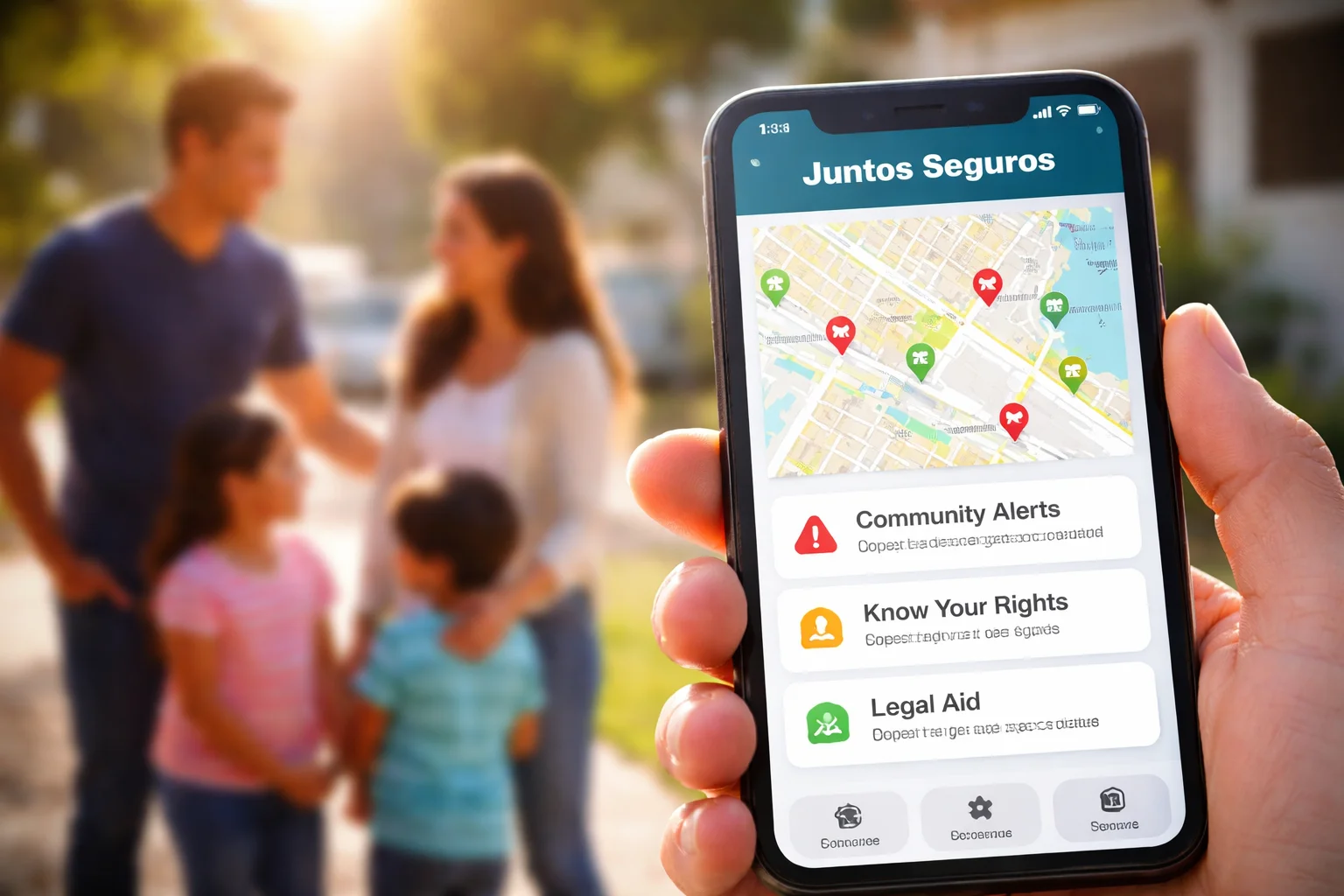
When you rely on the Juntos Seguros app for safety alerts, community updates, or important information, it can be frustrating when it suddenly stops working. Maybe it won’t open, keeps crashing, or won’t load the map.
This guide will help you understand why the Juntos Seguros app may not be working and what you can do to fix it, step by step, in simple terms.
No technical knowledge needed. Just practical help.
Why Is the Juntos Seguros App Not Working?
There isn’t usually just one reason. App issues often come from small technical problems that are easy to fix once you know where to look.
Common causes include:
- Weak or unstable internet connection
- Outdated app version
- Phone storage or memory issues
- Temporary server problems
- Location or notification settings being disabled
Let’s go through each situation clearly.
The App Won’t Open or Keeps Crashing
App crashes immediately after opening
If the app opens and closes right away, this is usually due to:
- Corrupted app data
- An outdated version of the app
- A conflict with your phone’s operating system update
What to do:
- Restart your phone
- Update the app from the App Store or Play Store
- If it still crashes, uninstall and reinstall the app
This resets the app and fixes most crash issues.
App freezes on the loading screen
If the app gets stuck on the logo or loading screen:
- Check your internet connection
- Turn airplane mode on for 10 seconds, then off
- Try opening the app again
Sometimes the app is simply waiting for a network response.
Juntos Seguros Map Not Loading or Showing Incorrect Data
Map screen stays blank
This usually means:
- Location permission is off
- GPS is disabled
- Internet connection is weak
Fix:
- Go to your phone’s settings
- Allow location access for Juntos Seguros
- Turn on GPS and mobile data or Wi-Fi
Then reopen the app.
Map shows old or missing alerts
The map updates in real time, but:
- If the app hasn’t refreshed
- Or if background data is restricted
You may see outdated information.
Solution:
- Pull down on the screen to refresh
- Check that background data is enabled for the app
Notifications Not Working or Delayed
Not receiving alerts
This is one of the most common issues.
It usually happens when:
- Notifications are turned off in phone settings
- Battery saver mode is blocking background activity
What to check:
- Go to Settings > Notifications > Juntos Seguros
- Make sure alerts, sounds, and banners are enabled
- Turn off battery optimization for the app
This allows the app to run in the background and send alerts.
Alerts arrive late
Late notifications often mean:
- Your phone is restricting background data
- Your internet connection is unstable
Switch to a stronger network if possible and disable data saving modes.
Login Problems and Account Issues
Can’t log in
If you’re stuck on the login screen:
- Double-check your email and password
- Make sure there are no extra spaces
- Try resetting your password
If login still fails, it may be a temporary server issue.
App logs you out automatically
This can happen when:
- The app is updated
- Your session expires
- Your phone clears background data
Simply log in again. If it keeps happening, reinstalling the app usually fixes it.
App Not Updating or Downloading
Update button missing
Sometimes the app store doesn’t refresh.
Fix:
- Close the app store
- Reopen it and search for Juntos Seguros manually
Download stuck
If the download is stuck:
- Check storage space on your phone
- Restart your device
- Try switching between Wi-Fi and mobile data
Phone Compatibility and System Issues
App not supported on your device
If your phone is very old or running an outdated system, the app may not work properly.
Check:
- Your phone’s OS version
- The minimum requirements listed in the app store
Updating your phone’s software can solve many issues.
App works on other phones but not yours
This usually points to:
- Storage problems
- System glitches
- Conflicting apps
Clearing cache or reinstalling the app often resolves this.
When the Problem Is Not on Your Side
Sometimes the issue is not your phone at all.
Server or maintenance downtime
If the Juntos Seguros app is down for everyone:
- The app may not load
- Features may be unavailable
- Maps or alerts may stop updating
In this case, all you can do is wait. These issues are usually fixed quickly.
Regional service limitations
Some features may not work in all areas. If you recently moved or are traveling, certain tools may be limited temporarily.
Quick Checklist Before You Panic
Before assuming something is seriously wrong, quickly check:
- Is your internet working?
- Is the app updated?
- Are notifications and location enabled?
- Has your phone storage filled up?
In many cases, one small setting is the cause.
FAQ
Why does the Juntos Seguros app keep crashing on Android?
This is often due to outdated app versions, low storage, or system conflicts. Updating the app and restarting your phone usually fixes it.
Does the Juntos Seguros app work without internet?
No. The app needs an active internet connection to load maps, alerts, and updates.
Is the Juntos Seguros app down right now?
If the app won’t load on any device, it may be a temporary server issue. Waiting and trying again later is the best option.
Final Thoughts
When the Juntos Seguros app is not working, it can feel stressful—especially if you rely on it for safety updates. The good news is that most problems are simple and fixable within minutes.
Start with the basics: internet, updates, permissions, and a quick restart. In many cases, that’s all it takes.
If the issue continues, it’s likely temporary or server-related, and things usually return to normal soon. Stay calm, follow the steps above, and you’ll be back up and running without hassle.