If you’ve heard about Juntos Seguros but feel unsure what the app actually does, how it works, or whether it’s safe to use, you’re not alone. Many people search for the app looking for immigration alerts, community safety tools, or emergency support—but end up confused by mixed information online.
This guide will walk you through what the Juntos Seguros app is, what features it offers, how to download it, and how to set it up correctly. By the end, you’ll know exactly what to expect and whether it’s right for you.
What Is the Juntos Seguros App?
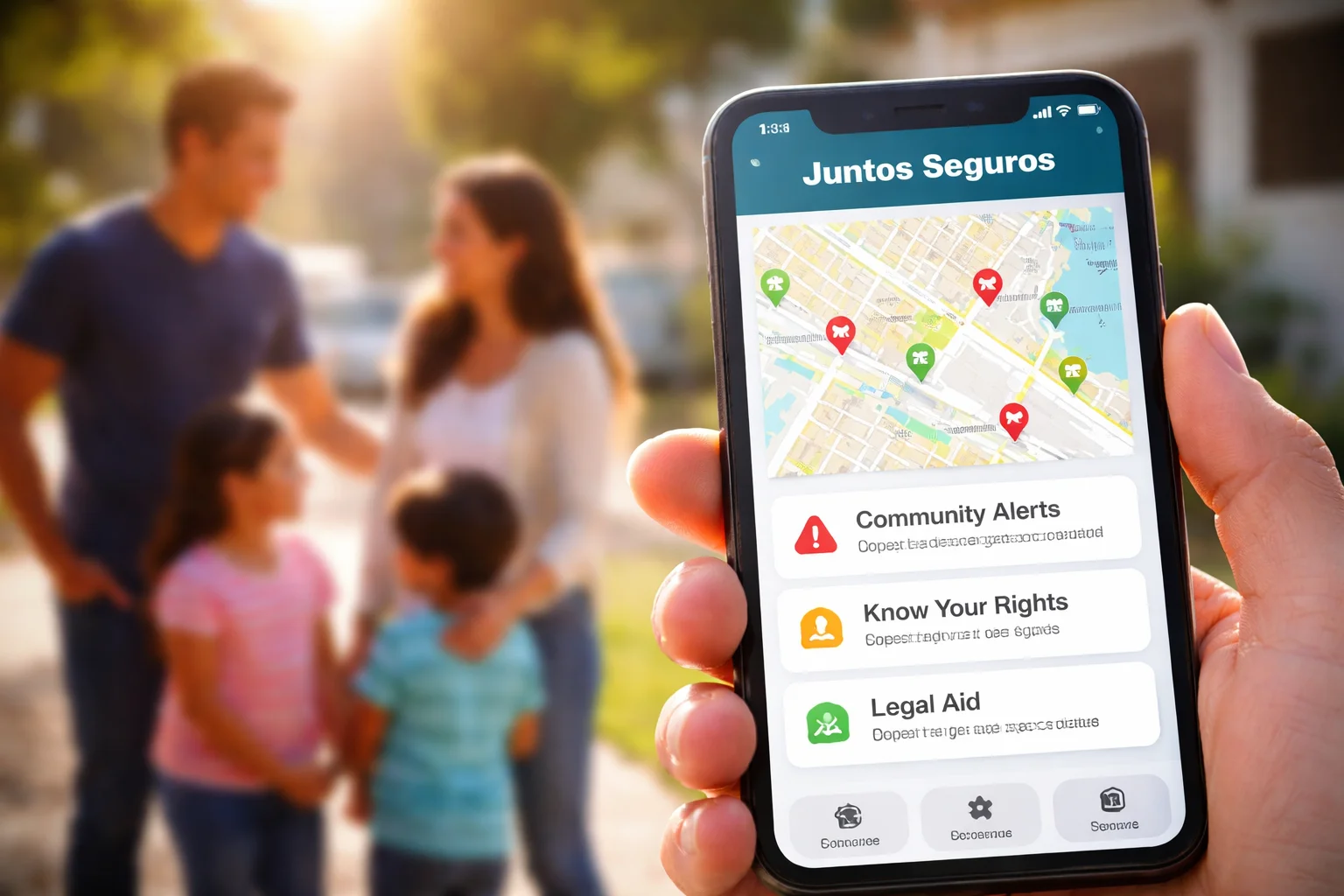
The Juntos Seguros app is designed to help immigrant families and communities stay informed, prepared, and connected during stressful or emergency situations. Its main focus is safety, alerts, and access to trusted resources.
It is not a government app, and it does not replace legal advice. Instead, it works as a community-based support tool that shares alerts, guidance, and connections to local help.
Many users turn to it for:
- ICE activity alerts
- Know-your-rights information
- Emergency planning support
- Community safety updates
Who Is the App For?
The app is especially useful for:
- Immigrants and mixed-status families
- Community organizers and advocates
- People who want early alerts about enforcement activity
- Anyone looking for trusted safety information in their area
If you are trying to stay prepared and informed rather than reactive, the app can be a helpful part of your safety plan.
Key Features of the Juntos Seguros App
The app is built around real-world needs. It is simple, practical, and focused on protection rather than complexity.
ICE and Enforcement Alerts
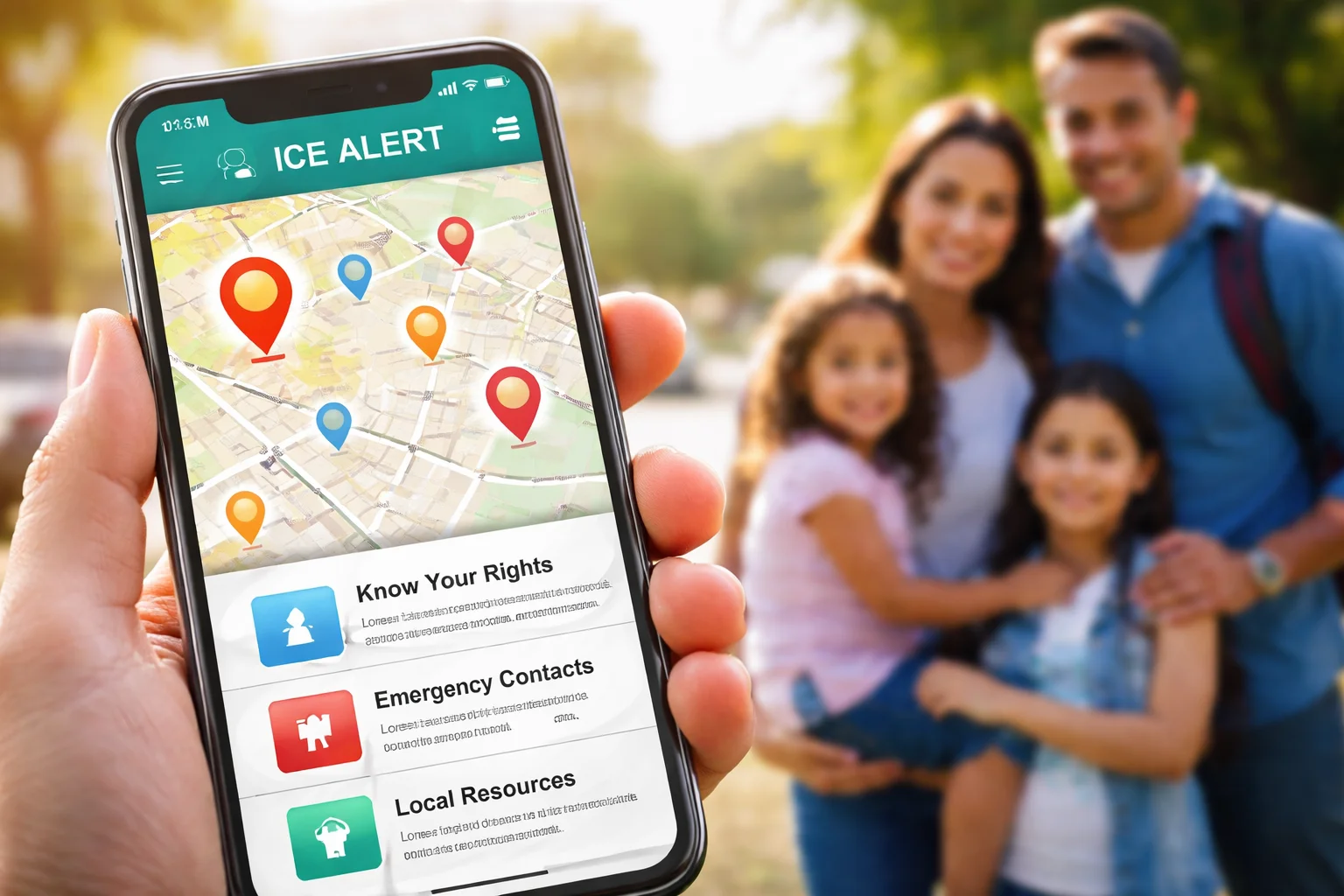
One of the most used features is real-time alerts about reported ICE activity in specific areas. These alerts are shared by community members and verified sources.
This helps users:
- Avoid high-risk areas when possible
- Warn family and friends nearby
- Make quick, informed decisions
Community Safety Map
The safety map shows reported activity and community alerts in a visual format. It allows users to see patterns and hotspots instead of relying on rumors.
This is especially helpful for:
- Parents dropping kids at school
- Workers commuting early or late
- Community volunteers checking risk zones
Know Your Rights Information
The app includes easy-to-understand guides about your rights during encounters with law enforcement or immigration officials.
These are written in plain language and often available in Spanish and English.
Topics usually include:
- What to do if ICE comes to your door
- What you are not required to say
- How to ask for a warrant
- How to protect your children
Emergency Planning Tools
Some versions of the app include tools to help you prepare in advance, such as:
- Emergency contact lists
- Family preparedness checklists
- Guidance on what documents to keep ready
This is about reducing panic and increasing control in stressful moments.
Local Resources and Support Links
The app often connects users to:
- Legal aid organizations
- Community groups
- Hotlines and support services
This saves time when you need help quickly and don’t know where to start.
How to Download the Juntos Seguros App
Downloading the app is straightforward, but it’s important to use official sources.
For Android Users
- Open the Google Play Store
- Search for “Juntos Seguros”
- Check the app details and developer name
- Tap “Install”
For iPhone Users
- Open the App Store
- Search for “Juntos Seguros”
- Review the app listing
- Tap “Get” to download
Always avoid downloading from unknown websites or third-party links. This helps protect your privacy and your device.
Step-by-Step Setup Guide
Once the app is installed, setting it up only takes a few minutes.
Creating Your Account
Some versions of the app require basic registration, such as:
- Name or nickname
- Email or phone number
- Password
Use information you are comfortable sharing. Many users prefer minimal personal details for privacy.
Enabling Location Access
The app may ask for location permission to show nearby alerts.
You can usually choose:
- Always allow
- Allow while using the app
- Deny
If you want accurate local alerts, allowing location while using the app is recommended.
Choosing Language Preferences
Most users can select Spanish or English. Choose the language you are most comfortable reading, especially for legal and safety information.
Setting Alert Preferences
You can often control:
- Which types of alerts you receive
- How often notifications appear
- Whether you get sound or silent alerts
This helps prevent notification overload while still staying informed.
Is the Juntos Seguros App Safe to Use?
This is one of the most common concerns.
The app is built as a community support tool, not a tracking tool. It does not work for immigration authorities and is not connected to government databases.
However, no app is perfect. For best safety:
- Do not share unnecessary personal information
- Avoid posting sensitive details publicly
- Use strong passwords
- Keep your phone locked
Think of the app as an information tool, not a place to store private life details.
Common Misconceptions About the App
“It tracks users for ICE.”
There is no evidence that the app shares user data with immigration enforcement. It is community-driven and focused on protection, not surveillance.
“It replaces a lawyer.”
The app does not replace legal advice. It provides general information and connections, but you should always speak to a qualified attorney for legal matters.
“Alerts are always 100% accurate.”
Alerts are based on reports. While many are verified, it’s best to treat them as warnings, not guarantees. Use them to stay cautious, not to panic.
When and How to Use the App Effectively
The app works best when used as part of a broader safety plan.
Use it to:
- Check alerts before leaving home
- Stay informed during high-risk times
- Share verified information with family
- Learn your rights before you need them
Avoid using it to:
- Spread unverified rumors
- Share panic-driven posts
- Replace professional legal guidance
FAQ Section
Is the Juntos Seguros app free?
In most cases, yes. The app is usually free to download and use, though some features may depend on local partnerships.
Do I need internet to use the app?
Yes, an internet connection is required to receive alerts and updates.
Can I use the app anonymously?
Many versions allow limited use without full personal details, but features may vary. Always check privacy settings.
Final Thoughts
The Juntos Seguros app is built for people who want to stay informed, prepared, and connected in uncertain situations. It doesn’t promise miracles, and it doesn’t replace legal help. What it offers is clarity, community awareness, and practical guidance when it matters most.
If you’re looking for a simple way to stay updated, understand your rights, and feel less alone in stressful moments, the app can be a valuable tool in your safety toolkit.